
One system for the whole stay.
Your guests scan the card in the room and have rides, the programme, spa and dinner requests, and a chat with the desk in their own language on one screen. Your team runs the day from the other side of the same system. Nothing to download, priced per key.
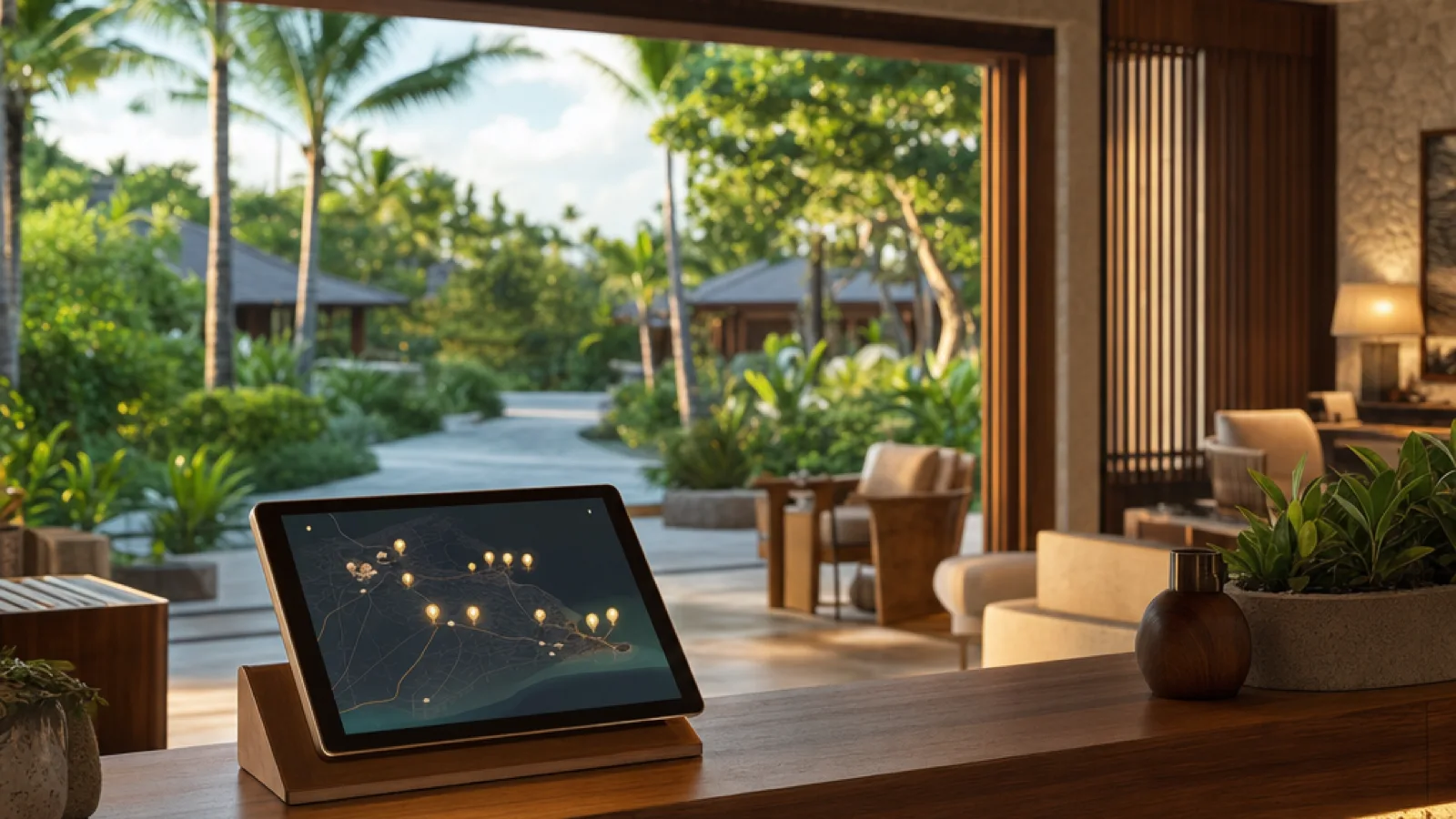
A small property runs on too many small systems.
Three logins behind the desk
A radio for the buggies, a WhatsApp number for guests, a spreadsheet for the spa. Each lives on a different device, and the person on shift is the only place they meet.
Three things for a guest to install
Every extra app is one more thing a guest on holiday will not download, and the service behind it never gets used.
A morning nobody can reconstruct
Who asked for a ride at 23:10, which villa asked for towels, whether the sunset cruise sold twice: the answers sit in three message histories on three phones.
With Resort Buggy
One scan for the guest
The card in the room opens rides, the programme, venue requests and chat in the browser. Every phone in the party gets its own access, and it ends with the stay.
One screen for the desk
Rides and booking requests on the Today screen, guest chat in the host app, room readiness on the housekeeping board. A shift change opens the same history.
One record of the day
Every ride, booking, message and job is written down under the guest and the room, with a morning review of what ended unwatched and analytics you can export.
One system, two sides.
The guest and the desk work in the same system, each from their own screen.
Your guests
From the card on the wall
- Scan the card in the room. No app store, no password. Every device in the party gets its own access, and it ends when the stay ends.
- Request a buggy now, or reserve one up to 30 days ahead inside the stay, then watch it approach on the live map.
- Read the programme and get a buggy to any event in one tap.
- Open a venue’s page, see services, prices and hours, and request a time. The spa answers.
- Write to the desk in their own language. Fourteen chat languages, translated both ways, with the original under every message.
- See the day in one list: rides, confirmed bookings and, on departure day, a luggage collection.
- Get a push when the buggy is on its way, when the spa confirms, when the luggage is collected.
Your team
From the desk, the venue and the housekeeping phone
- Enter a guest’s arrival and checkout dates once. The card, the ride window, the booking window and the turnover follow from them.
- Watch rides and booking requests on the Today screen: cancel a ride, choose a driver, answer a request.
- Book a ride or a spa slot on a guest’s behalf, or send a buggy to the room with breakfast, in-room dining or an amenity.
- Answer guest chat from the host app, in your language. A maintenance complaint becomes a work order in one tap.
- Let the spa, the dive centre and the restaurant confirm or decline their own requests from their own boards.
- Run housekeeping and repairs on the same app: a checkout creates the turnover, checklists tick off, room status shows at a glance. That is Resort Ops.
- Read the morning review of everything that ended without anyone watching, and export rides, bookings and staff work as CSV.
Your reservation system stays where it is.
Rooms, rates and bills stay in the system that books them today. Resort Buggy starts the moment a guest has a room and dates: the desk enters the arrival and checkout dates, and the card, the ride window, the booking window and the housekeeping turnover follow from them. A pre-arrival email carries the guest’s QR before they land.
On the roadmap: PMS integrations.
Built for a small property.
- A QR card printed once per room; access for every phone in the party, ending with the stay
- Rides on demand or reserved up to 30 days ahead, with live tracking and a one-tap rating
- Venue pages with services, prices and hours; each request confirmed or declined by the venue
- Guest chat translated in fourteen languages; the interface itself in nineteen
- A pre-arrival email that carries the guest’s QR, sent a set number of days before arrival
- A morning report by email, and a What happened review of the night on screen
- Your colors and your logo on the guest app, from the Signature tier
- The guest app opens in the browser, with nothing to download
- Encrypted in transit and at rest, with your guest data scoped to your account
- One archive downloads the whole property from Settings; your data stays yours
The parts, each on its own page.
Each of these runs on its own, and dispatch can join whenever you are ready.
Resort Ops
Turnover sweeps, checklists and repair work orders on staff phones. Staff-only.
Learn more →Guest messaging
Guests write in their language, your desk reads it in yours. Fourteen languages, both directions.
Learn more →Activity bookings
Spa, dive and excursion requests on one board. The desk can book on a guest’s behalf.
Learn more →Villa QR cards
Guests scan the card in the room. No app install, no passwords, access that ends at checkout.
Learn more →Pricing that fits a small property.
The Boutique tier is one flat monthly price for the smallest properties; the tiers above are priced per key. Free 90-day pilot for a few founding partners, with onboarding included and loyalty credits on the first three subscription years. No per-ride charges.
Boutique
Up to 40 keys
$299/month
Resort
41–120 keys
$12/key/mo
Signature
121+ keys
$20/key/mo
Reserve
Any key count
$35/key/mo
Go deeper
For the wider set of tools a small property runs on, read the nine tools a boutique property actually runs on. For the four ways a property can run guest messaging, read four guest messaging options compared.
Built for operators who take data seriously. Your guest data stays yours — one button downloads the whole account, no lock-in.
- Operational data hosted in the EU
- Encrypted in transit & at rest
- Data Processing Agreement
- Encrypted nightly off-site backups
- Isolated per property
More in our Security overview and DPA.
Common questions
Where do our reservations live?
Do we need to run buggies to use this?
What does a guest have to install?
Do guests pay through the app?
How many languages does it support?
Can a small team run it?
Who owns the data?
See the whole stay on one screen.
A 20-minute walkthrough on your own property’s map: a guest scans, requests, books and writes, and your desk answers from the other side.